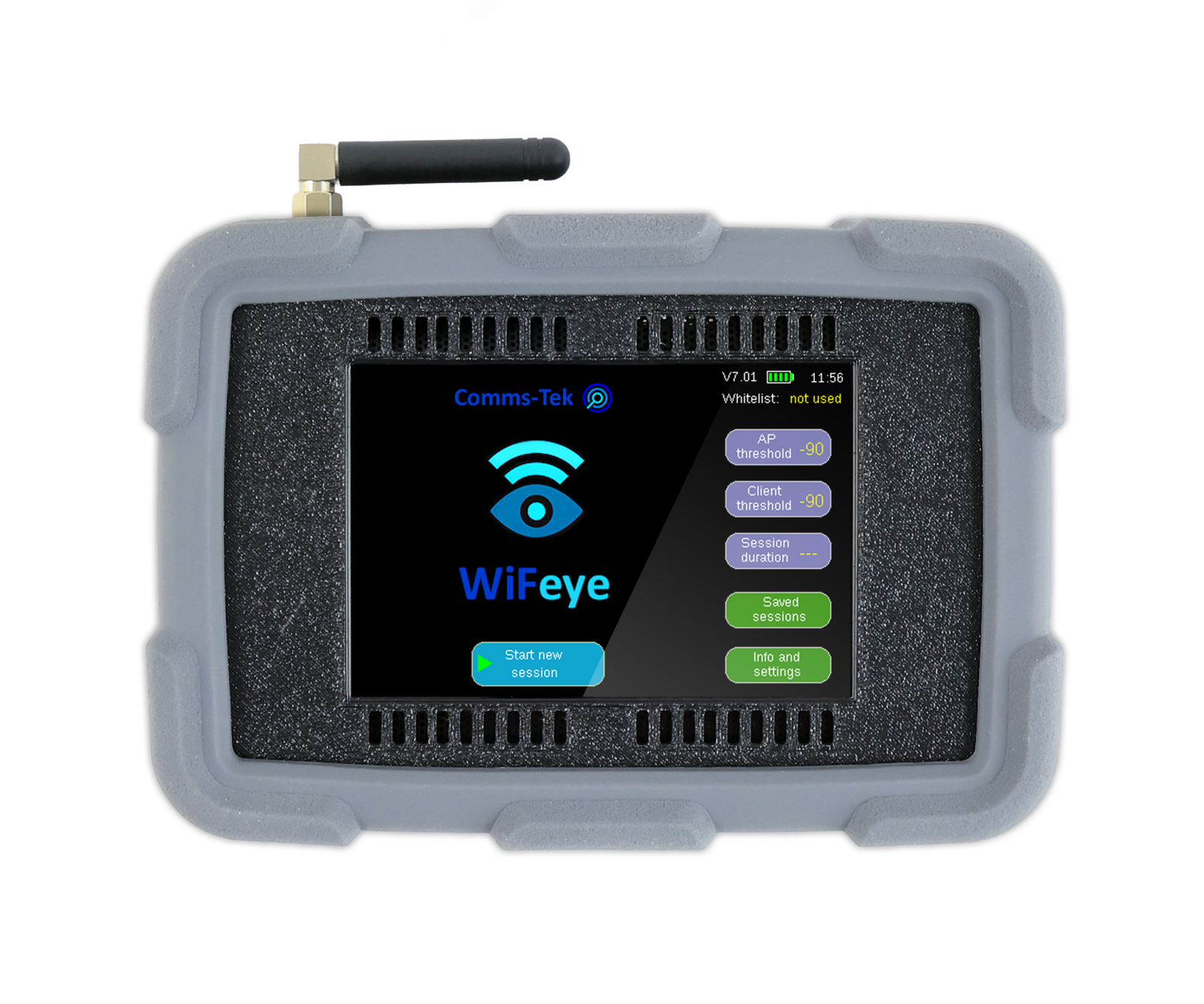
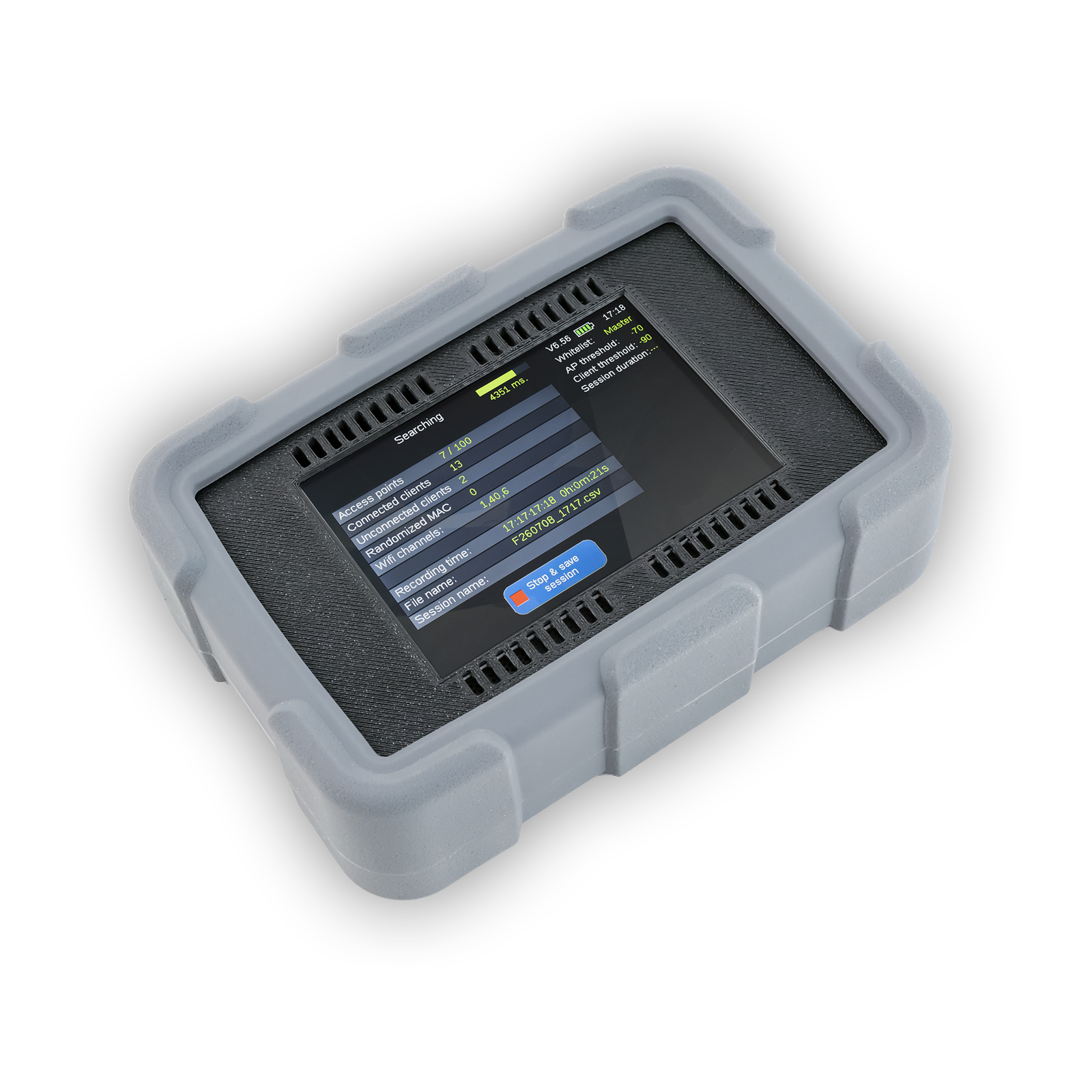
WiFeye

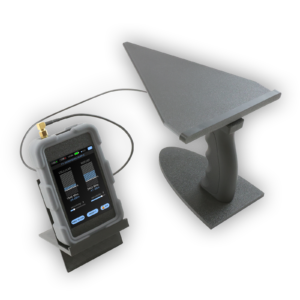
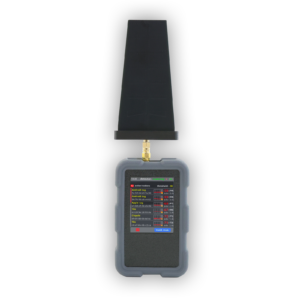
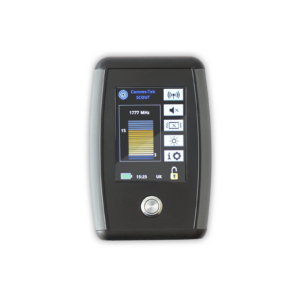
WiFeye detects access points, hotspots, routers and Wi-Fi-enabled devices in secure environments, helping you uncover and investigate unauthorised wireless activity.

  • Access points, hotspots, routers and client devices
  • SSID, MAC & signal strength identification
  • Directional location mode
  • Session reports and evidence logs
  • Multi-channel dedicated receivers

Request a quote Request the datasheet

Category:

Description

WiFeye identifies and investigates Wi-Fi activity in secure environments. It detects access points, hotspots, routers and Wi-Fi-enabled devices, helping organisations uncover unauthorised wireless activity, investigate suspicious devices and build a clearer picture of their wireless environment.

Why security teams choose WiFeye

  • See every Wi-Fi device. Detects access points and client devices, whether they are connected or not.
  • Know what you’re looking at. Identifies SSIDs, MAC addresses and signal strength.
  • Track it down. A directional location mode tracks devices to their source.
  • Build the evidence. Generates session reports and evidence logs.
  • Filter out the approved. Whitelist approved devices, and set independent access point and client thresholds.
  • Doesn’t miss activity. Multi-channel detection using dedicated receivers.

Applications

  • Secure environments: uncovering unauthorised access points and hotspots.
  • Investigations: examining suspicious devices and building an evidence log.
  • Wireless audits: building a clearer picture of your wireless environment.

Features

  • Detect Wi-Fi access points and client devices
  • Identify SSIDs, MAC addresses and signal strength
  • Detect connected and unconnected Wi-Fi devices
  • Track devices using directional location mode
  • Generate session reports and evidence logs
  • Whitelist approved devices
  • Independent access point and client thresholds
  • Multi-channel detection using dedicated receivers

WiFeye or Yellowjacket-Ultra?

WiFeye Yellowjacket-Ultra™
Best for Investigating Wi-Fi devices, networks and hotspots Finding and locating rogue access points and hidden clients
Detects Access points, hotspots, routers, and connected and unconnected devices Access points and wireless clients on 2.4, 5.8 and 6 GHz
Identifies SSIDs, MAC addresses and signal strength Evil twin access points impersonating a legitimate network
Locating Directional location mode Direction-finding antenna plus active ping
Records Session reports and evidence logs Wireshark-compatible data export

Reviews

There are no reviews yet.

Be the first to review “WiFeye”

Your email address will not be published. Required fields are marked *

FAQs

What does WiFeye detect?

Wi-Fi access points, hotspots, routers and Wi-Fi-enabled devices, both connected and unconnected.

What information does it show?

SSIDs, MAC addresses and signal strength.

Can WiFeye locate a device?

Yes. Its directional location mode tracks devices.

Can I exclude devices we already know about?

Yes. Approved devices can be whitelisted, and access point and client thresholds are set independently.

Does WiFeye produce reports?

Yes. It generates session reports and evidence logs.

How is WiFeye different from Yellowjacket-Ultra?

WiFeye focuses on investigating Wi-Fi devices and networks, with session reports and evidence logs. Yellowjacket-Ultra™ focuses on finding and locating rogue access points, with evil twin detection and an active ping feature.

Documentation

WiFeye datasheet (PDF): request a copy by email.

Related products

Unsure which product is right for you?

Contact our experts to discuss your requirements:

© 2026 L&G International Ltd
Privacy Policy